

The dashboard
The first screen after signing in. It summarises the site and links to whatever needs attention.
| Screen | Route | Minimum role |
|---|---|---|
| Dashboard | /admin | Editor |
| Sign in | /admin/login | Public |
| Two-factor challenge | /two-factor/challenge | Signed in |
Signing in
The admin panel lives at the prefix set by CMS_ADMIN_PREFIX in .env, which is /admin until you change it. Nothing on the public site links to it.
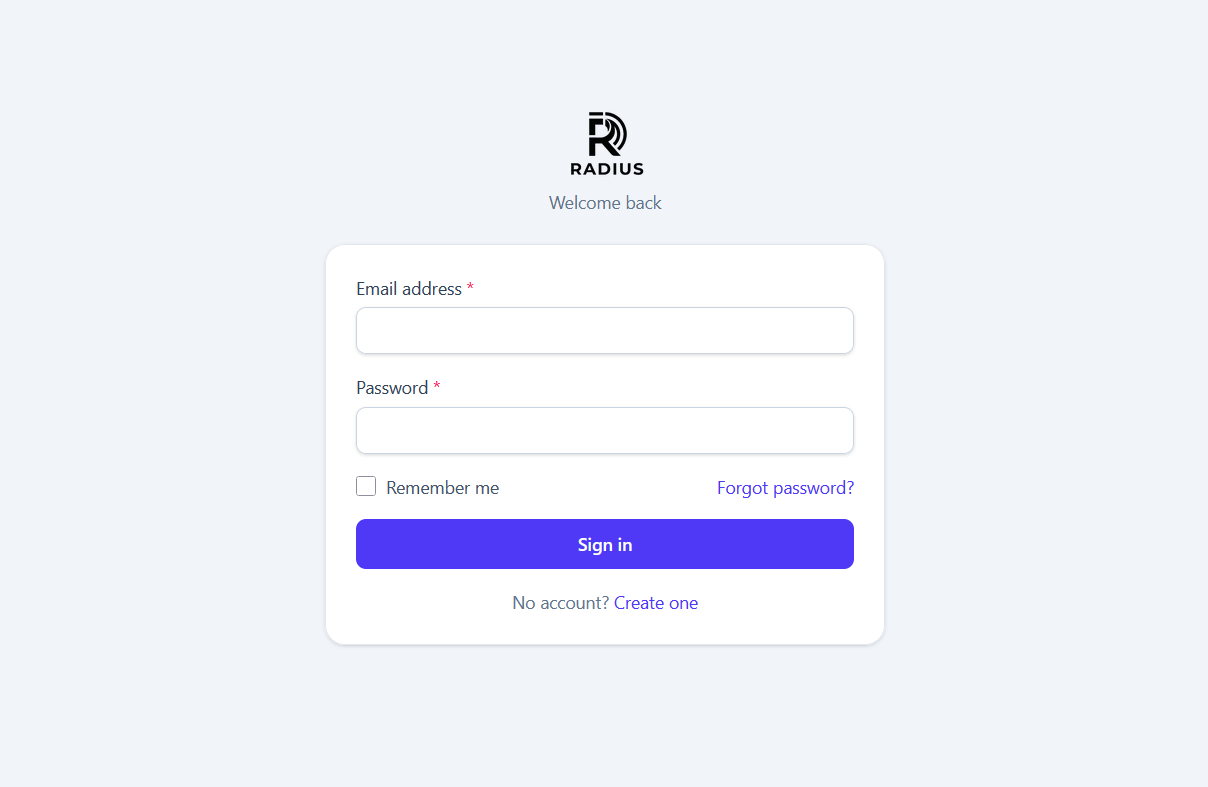
Login is rate limited by email address and by IP separately: five attempts in five minutes. The two limits are deliberate — one attacker hammering your address cannot lock you out, because their IP hits its own limit first.
If two-factor authentication is on for your account, the password check signs you in but leaves the session marked unconfirmed. Every request is then held at the challenge screen until you enter a valid code.
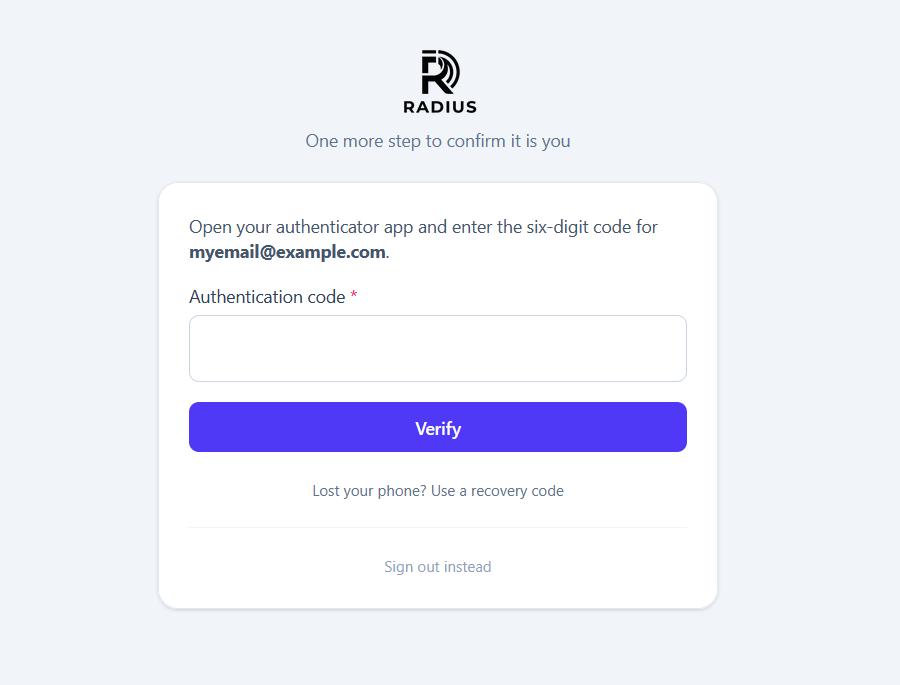
A six-digit code from your authenticator, or one of your eight recovery codes. Each recovery code works exactly once. Codes are accepted within a ±30 second window to tolerate clock drift.
The dashboard itself
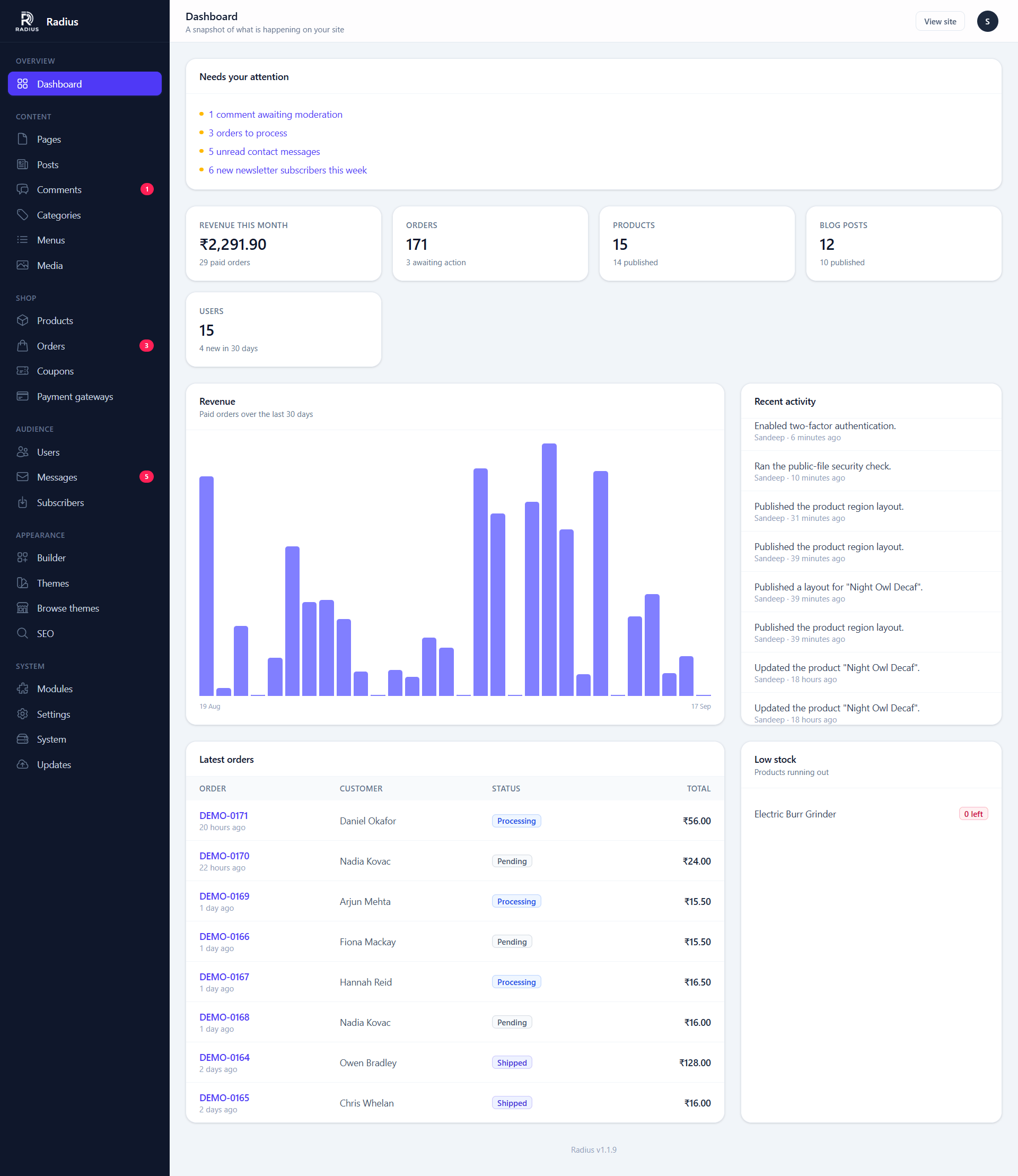
What appears depends on which modules are on:
| Panel | Shown when | Contains |
|---|---|---|
| Content counts | Always | Pages, and posts if the blog is on |
| Shop summary | Shop module on | Recent orders, revenue, low stock warnings |
| Recent activity | Always | The latest entries from the activity log |
| System warnings | When something is wrong | Links straight to the screen that fixes it |
| Comments awaiting approval | Blog module on | A count linking to the moderation queue |
| Contact submissions | Contact module on | Unread count |
The sidebar
The sidebar only lists sections belonging to modules that are switched on, and only those your role can reach. If a section you expect is missing, check Modules first and your role second.
Some sections are administrator-only regardless of module state, because they are ways of changing what the site's code does rather than what it says:
| Section | Minimum role | Why |
|---|---|---|
| Users | Administrator | Creating an account or clearing someone's second factor is a way to become another user |
| Payment gateways | Administrator | Credentials are secrets |
| Themes | Administrator | A theme is Blade, and Blade is compiled and executed — installing one is deploying code |
| Modules | Administrator | Changes which routes exist across the whole site |
| Settings | Administrator | Editors stop at content |
| System & Updates | Administrator | Updates rewrite the application's own code |
See Users & roles for what each role can do.
Keyboard shortcuts
/ focuses the search field on any list screen. Inside the visual builder there are several more — see Visual builder.