

Pages
Static content: your homepage, About, Contact, Terms. Pages are a core module and cannot be switched off.
| Screen | Route | Minimum role |
|---|---|---|
| Page list | /admin/pages | Editor |
| New page | /admin/pages/create | Editor |
| Edit page | /admin/pages/{id}/edit | Editor |
The page list
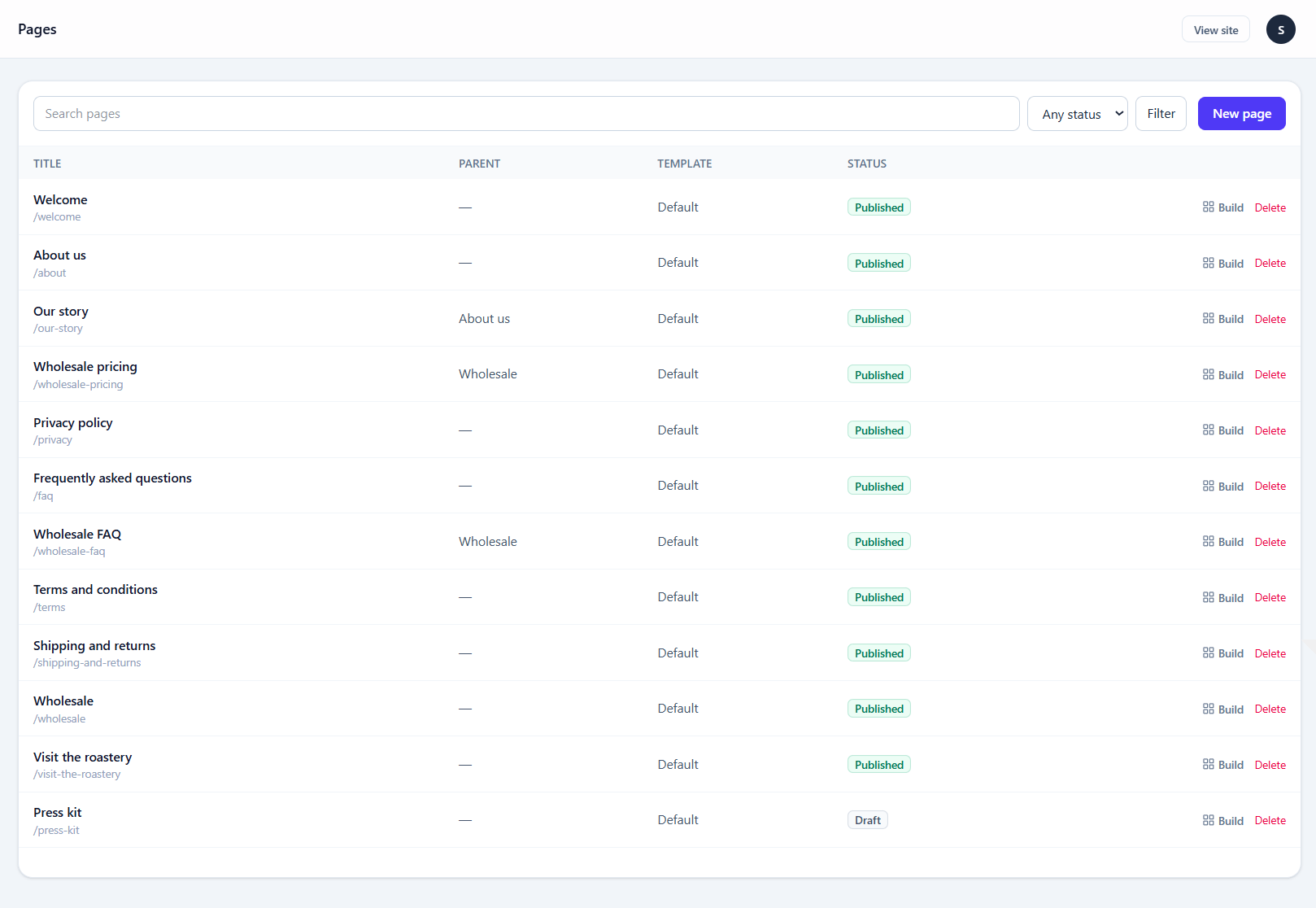
Columns are sortable, and the search field matches title and slug. The status filter separates published from drafts and scheduled pages.
Creating a page
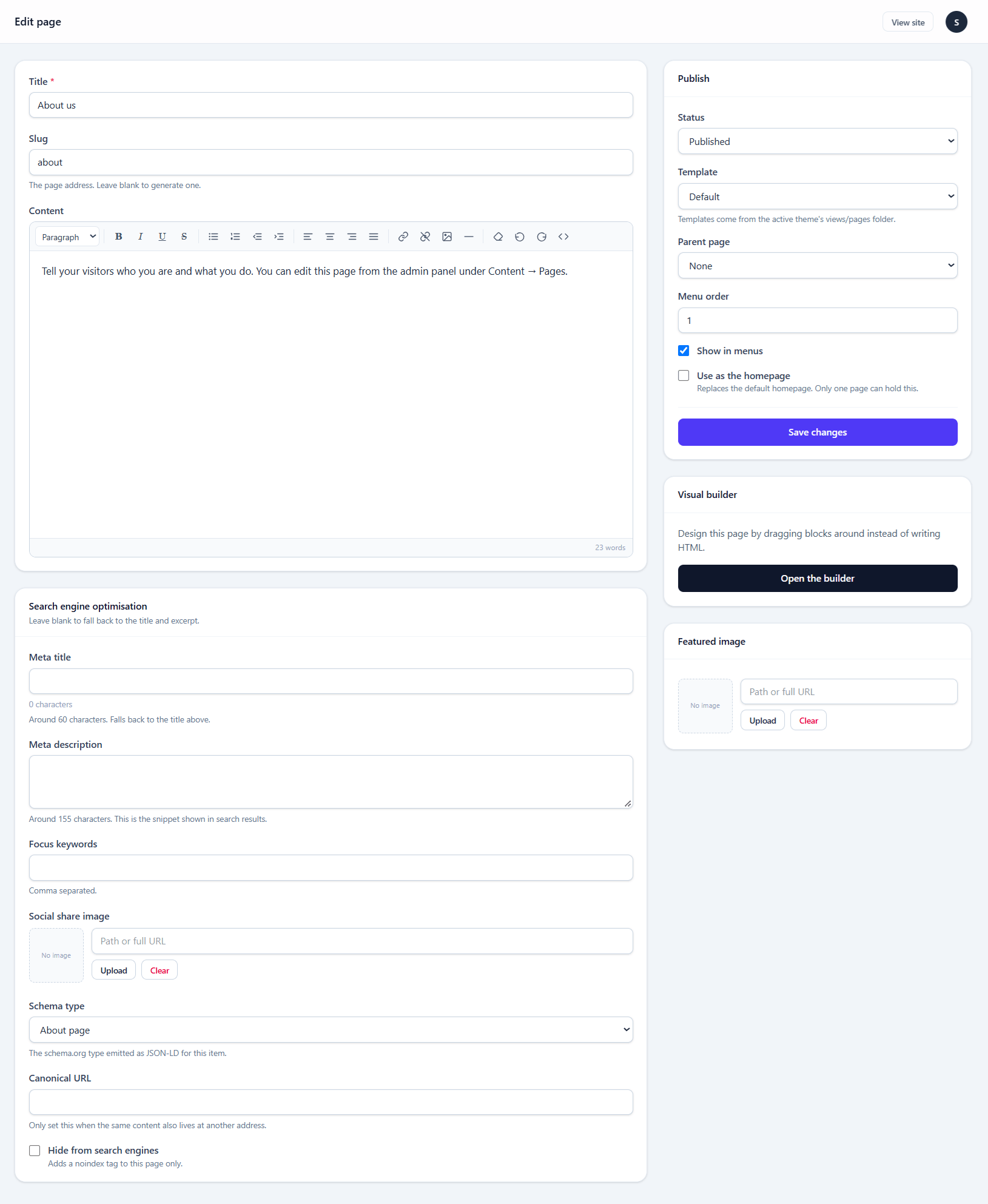
| Field | Notes |
|---|---|
| Title | Also the default <h1> and the default meta title |
| Slug | Generated from the title; editable. Changing it on a live page breaks existing links — add a redirect under SEO |
| Content | The rich text editor, or the visual builder |
| Excerpt | Used in listings and as a meta description fallback |
| Featured image | Used by themes and as the social share image |
| Template | Which theme template renders this page, if the theme offers more than one |
| Status | Draft, published, or scheduled for a date |
| Parent | Nests the page, producing /parent/child URLs |
| Order | Sorts pages within the same parent |
Viewing the page
Once a page is saved and published, a View button appears in the top bar, left of View site, and opens it on the front end in a new tab. While the page is still a draft the button is greyed out and reads Still in draft — there is no public address to open yet.
The SEO panel
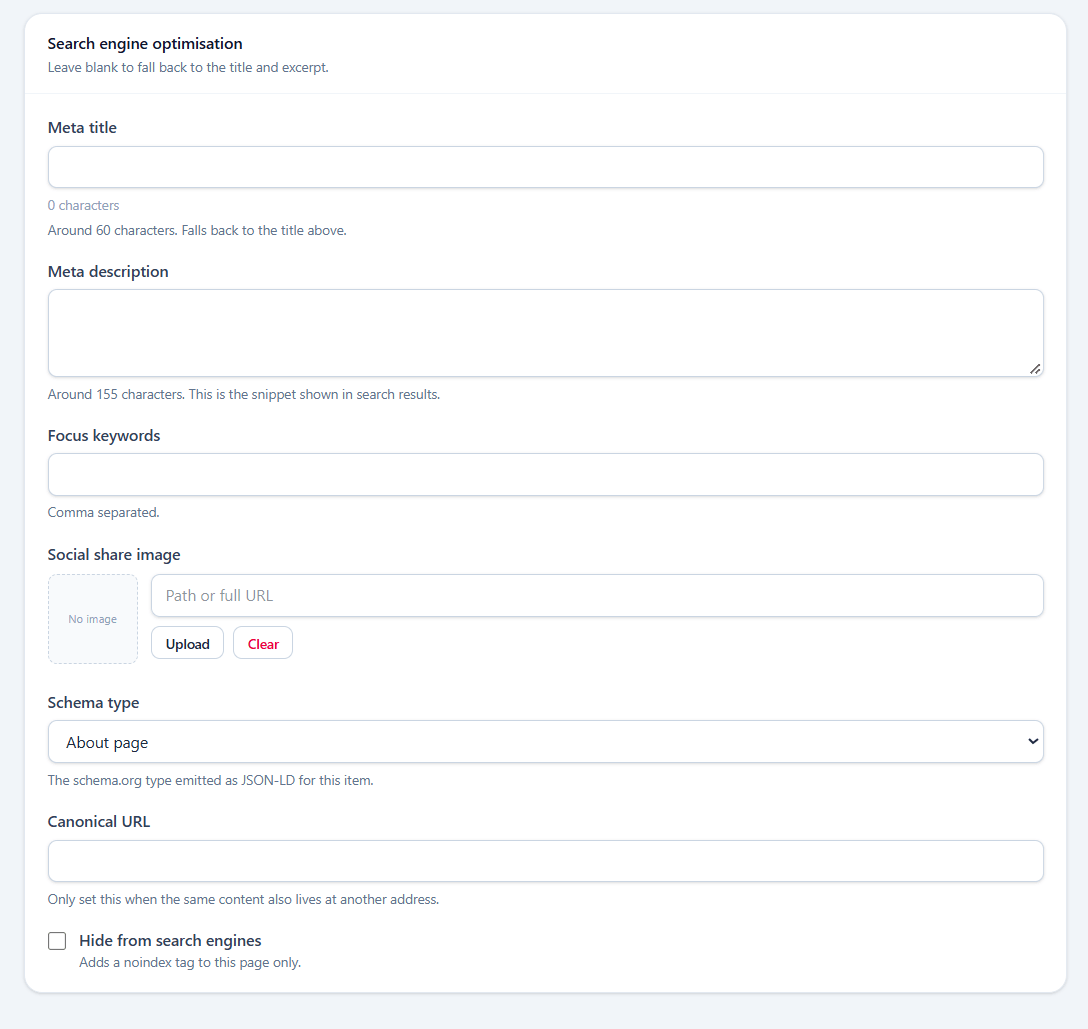
Every page carries its own meta title, description and social image, plus a noindex switch. Left empty, these fall back to the site defaults from Settings → SEO.
The rich text editor
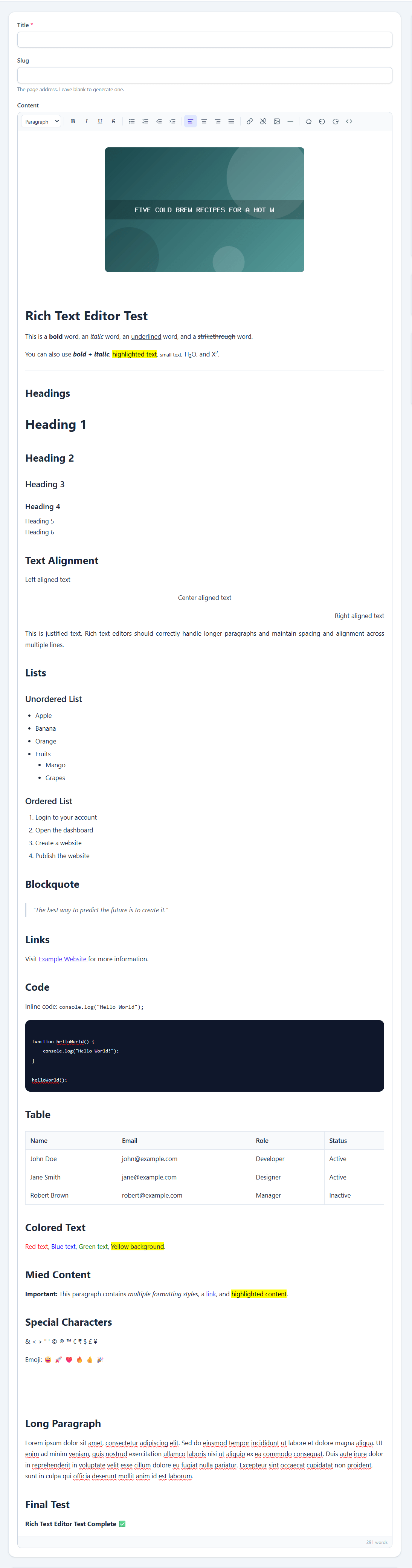
The toolbar covers headings, bold, italic, lists, quotes, code blocks, links, tables and images from the media library.
Pasting from Word or Google Docs
Paste normally. The editor takes the HTML but reduces it to the tags it supports, discarding the stylesheets and nested <span> wrappers those applications bring with them. Hold Shift while pasting to insert plain text instead.
Editing HTML directly
The source view button opens the markup in a textarea. This is the right way to paste HTML you have written elsewhere — pasting into the visual surface strips attributes, while the source view passes your markup through intact.
Everything is still checked on save. Content is run through an allowlist that keeps only known-safe tags and attributes; an unrecognised tag is unwrapped rather than deleted, so a stray <span> loses the tag but keeps its words.
These tags survive a save:
p br hr strong b em i u s del ins sub sup mark
h1–h6 ul ol li blockquote pre code
a img figure figcaption
table thead tbody tfoot tr th td
div span iframe
iframe is restricted to an allowlist of hosts — YouTube, Vimeo, Google Maps, OpenStreetMap, Spotify and SoundCloud — so an embed cannot be pointed anywhere else. Links accept only http, https, mailto and tel.
Inline style attributes are narrowed to alignment and simple emphasis: text-align, font-weight, font-style, text-decoration, color, background-color, width, height, margin, float, max-width.
Setting the homepage
The homepage is a switch on the page itself — Use as homepage, in the page editor's sidebar — not a site setting.
Exactly one page can hold it. Turning it on for a second page silently clears it from the first, so there is never a moment with two homepages or none of your choosing.
A page marked as the homepage is served at / rather than at its own slug. Without one, the theme's own home.blade.php renders instead.
The page must also be published
An unpublished page holding the homepage flag does not serve / — the theme's front page template takes over until you publish it.
Using the visual builder instead
Any page can be switched from the rich text editor to the drag-and-drop builder and back. The switch is reversible and destroys nothing: turning the builder off brings the original content straight back.
See Visual builder.
Deleting a page
Deleting is immediate and permanent — there is no trash. A page that ranks or has inbound links is usually better set to draft, or redirected under SEO.