

Theme regions
How the builder and a theme share a page without fighting over it.
The problem this solves
Most page builders either take the whole page, or are confined to the content area. Radius does neither: a theme keeps owning its own chrome and marks the parts it is willing to hand over.
Declaring a region in a theme
Two steps. First, list the regions in theme.json:
{
  "name": "My theme",
  "version": "1.0.0",
  "regions": {
    "header": "Site header",
    "footer": "Site footer",
    "before_content": "Before page content",
    "after_content": "After page content"
  }
}
Then wrap the theme's own markup in the matching directive:
@region('header')
    {{-- The theme's own header, used until an admin builds one --}}
    <header class="site-header">
        <a href="{{ url('/') }}">{{ setting('site_name') }}</a>
        @foreach ($siteMenus['primary'] ?? [] as $item)
            @continue(! $item->isVisible())
            <a href="{{ $item->resolveUrl() }}">{{ $item->label }}</a>
        @endforeach
    </header>
@endregion
What that does
| State | What renders |
|---|---|
| No layout built for the region | The markup inside @region — exactly as before |
| A layout has been built and published | The built layout instead |
| The layout is turned off, or restored to default | Back to the theme's markup |
So the directive is a fallback, not a placeholder. The theme works standalone, and the builder is an optional override.
Passing the page's record to a region
Some regions show a record, not the site as a whole. The product page template is one of them. Pass the record as a second argument, and the layout's widgets can read it:
@region('product', ['model' => $product])
    {{-- The theme's own product page --}}
@endregion
Wrap your theme's whole shop/show.blade.php content like this. The Product page widgets then show the product being viewed.
A theme with no @region markers is completely unaffected
The builder is then limited to page content, which still works. Adding region support to an existing theme is opt-in, and adding one region does not commit you to the rest.
Page bodies work the other way round
A theme that already does this:
{!! $page->content !!}transparently gets the built layout once one exists, and the stored rich text when it does not. No theme changes are needed at all for page-level building — which is why a theme written before the builder existed still works with it.
Editing a region
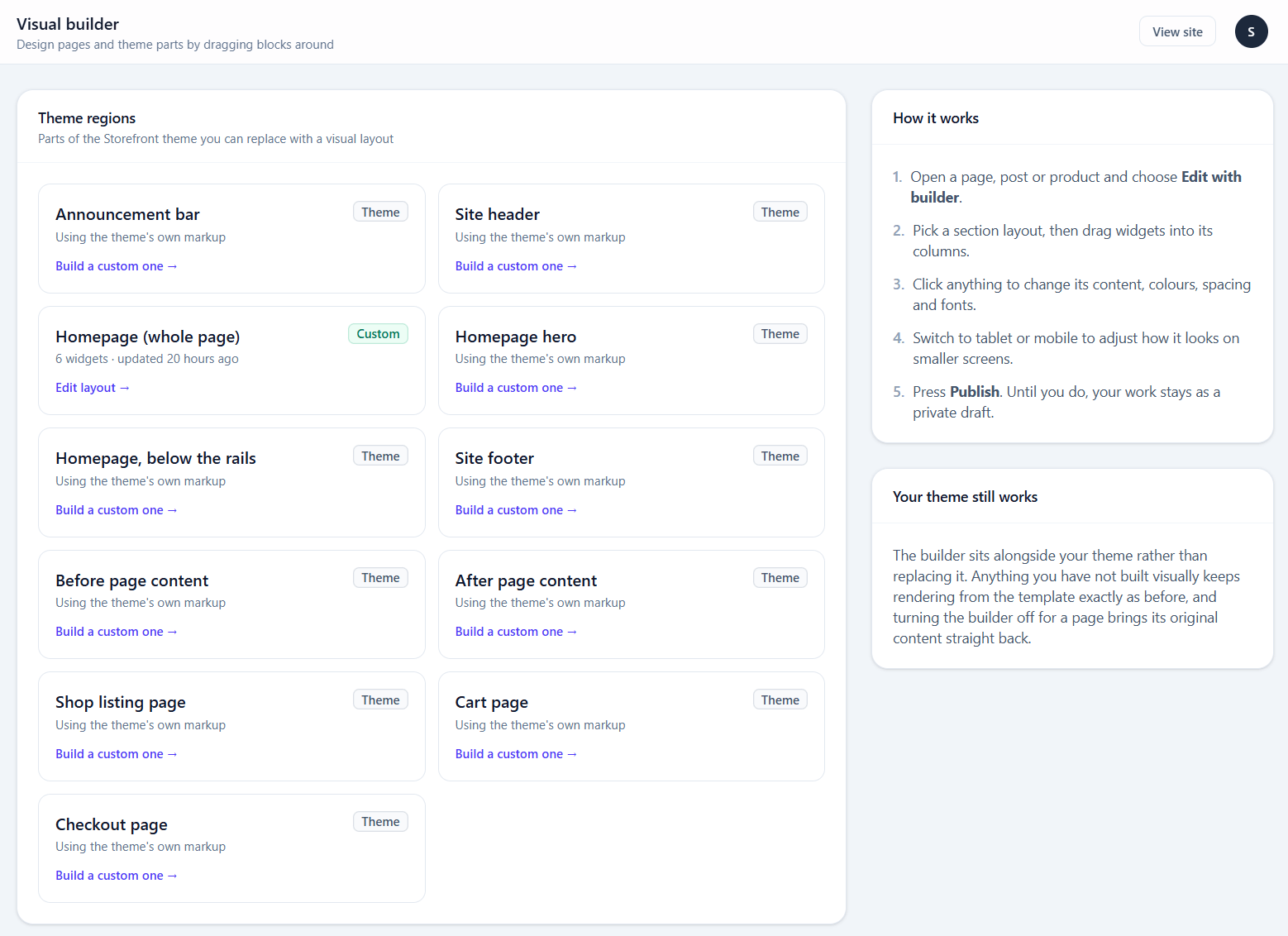
Regions appear in the builder overview alongside pages.
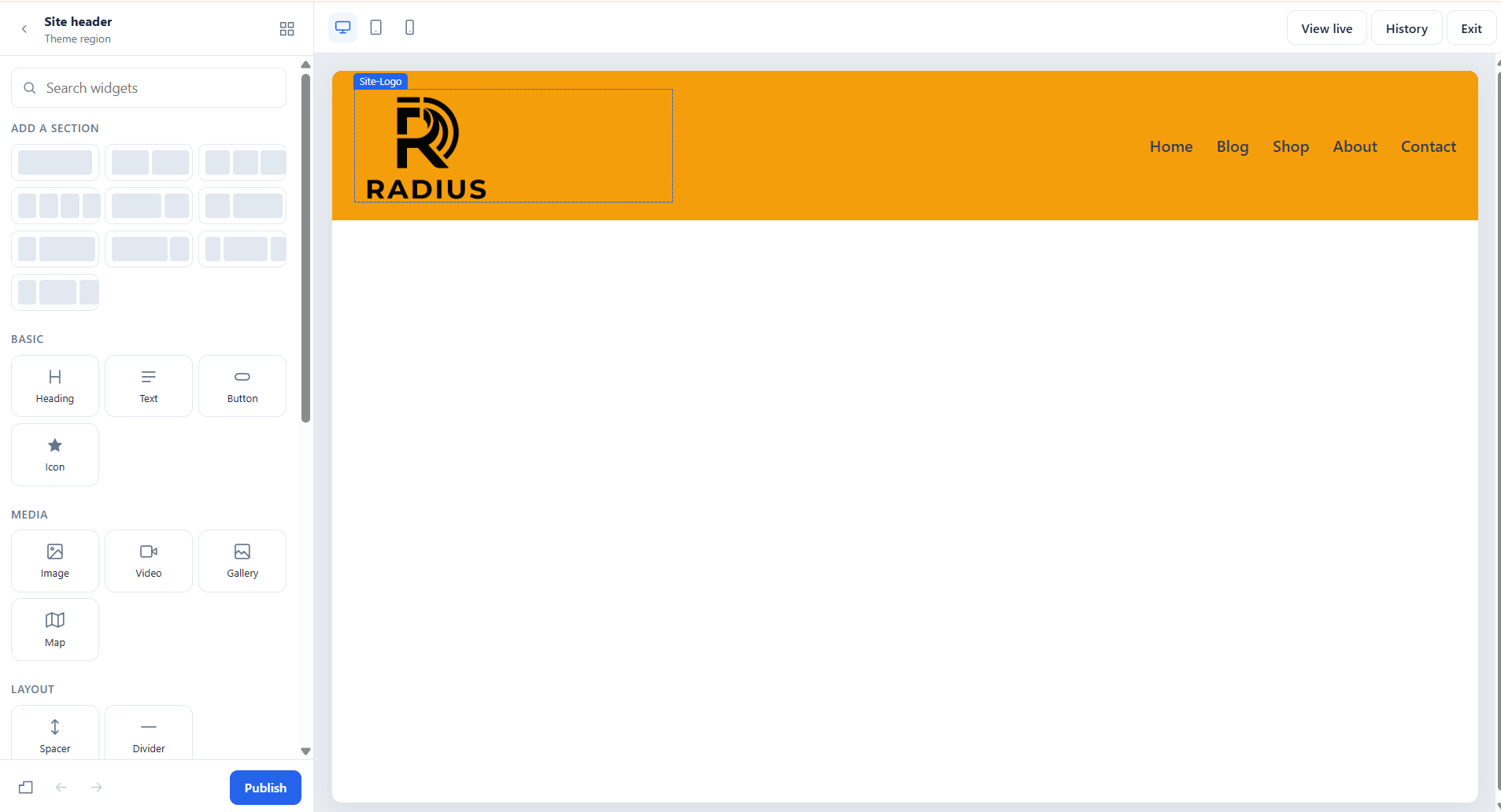
A region is edited in the same editor as a page. The difference is scope: a region renders on every page that includes it, so a mistake in a header is a mistake everywhere.
Starter layouts
Rather than starting from an empty canvas, each region offers a ready-made starting point — a conventional header with a logo, menu and cart icon, for instance — which you then edit.
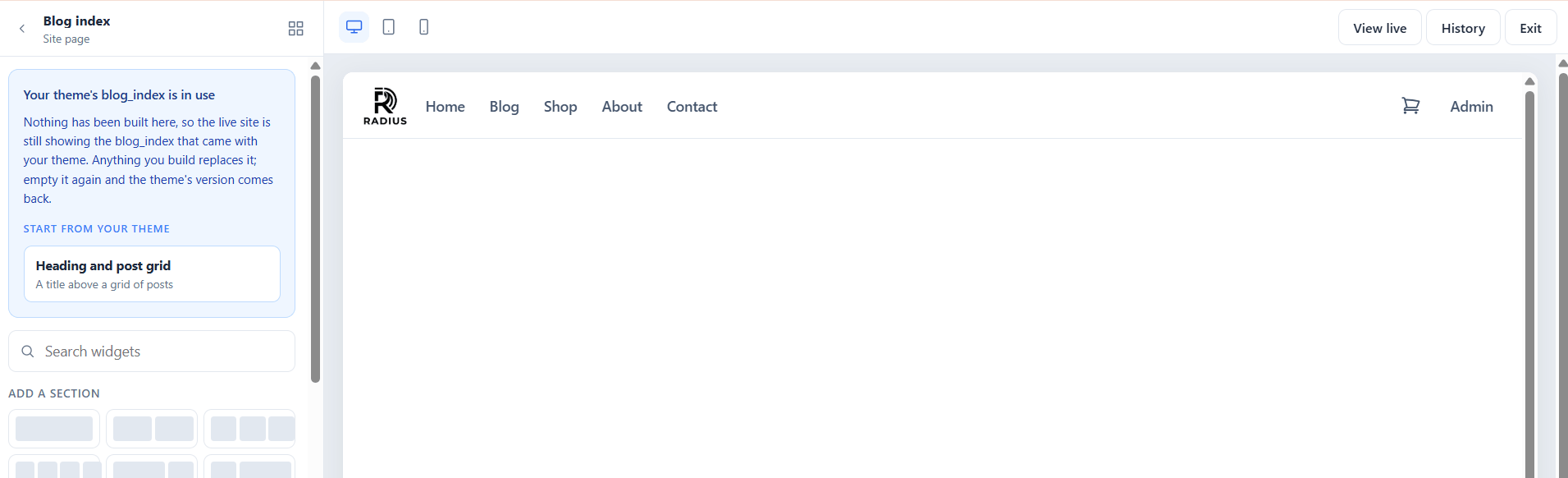
When the active theme ships its own starter for a region, the region opens already filled with it: the theme's header, hero or homepage, made of theme section widgets that look exactly like the live site. Move them, change their settings, delete them or add other widgets around them. The starter is saved as a draft only. Visitors keep seeing the theme's version until you publish.
A theme that ships starters usually offers a Homepage (whole page) region too. Build that one to rearrange every block on the homepage, not just the hero.
Which widgets belong in a region
The Site parts widgets exist for this: Site logo, Navigation menu, Cart icon, Search, Social icons and Page title all read from the site rather than holding their own content, so one layout works across every page.
Putting a Heading widget with fixed text in a header gives every page on the site the same heading. Use Page title instead.
Getting back to the theme's markup
Restore default on the region. That discards the layout and hands the region back to the theme.
This is the recovery path if a region layout goes wrong on a live site — it is one click, and it does not require the builder to be working.
Common mistakes
Building a header before switching theme. Regions are per-theme. Changing theme leaves the old layout behind, un-rendered, because the new theme declares different regions.
Fixed text in a region. See above — use the site-aware widgets.
Forgetting the footer exists. A built header and a theme footer often do not match visually. Either build both or neither.