Posts, categories & comments
The blog. This is an optional module — switch it off under System → Modules and every route, menu entry and widget belonging to it disappears.
| Screen | Route | Minimum role |
|---|---|---|
| Post list | /admin/posts | Editor |
| New post | /admin/posts/create | Editor |
| Edit post | /admin/posts/{id}/edit | Editor |
| Categories | /admin/categories | Editor |
| Comment moderation | /admin/comments | Editor |
Posts
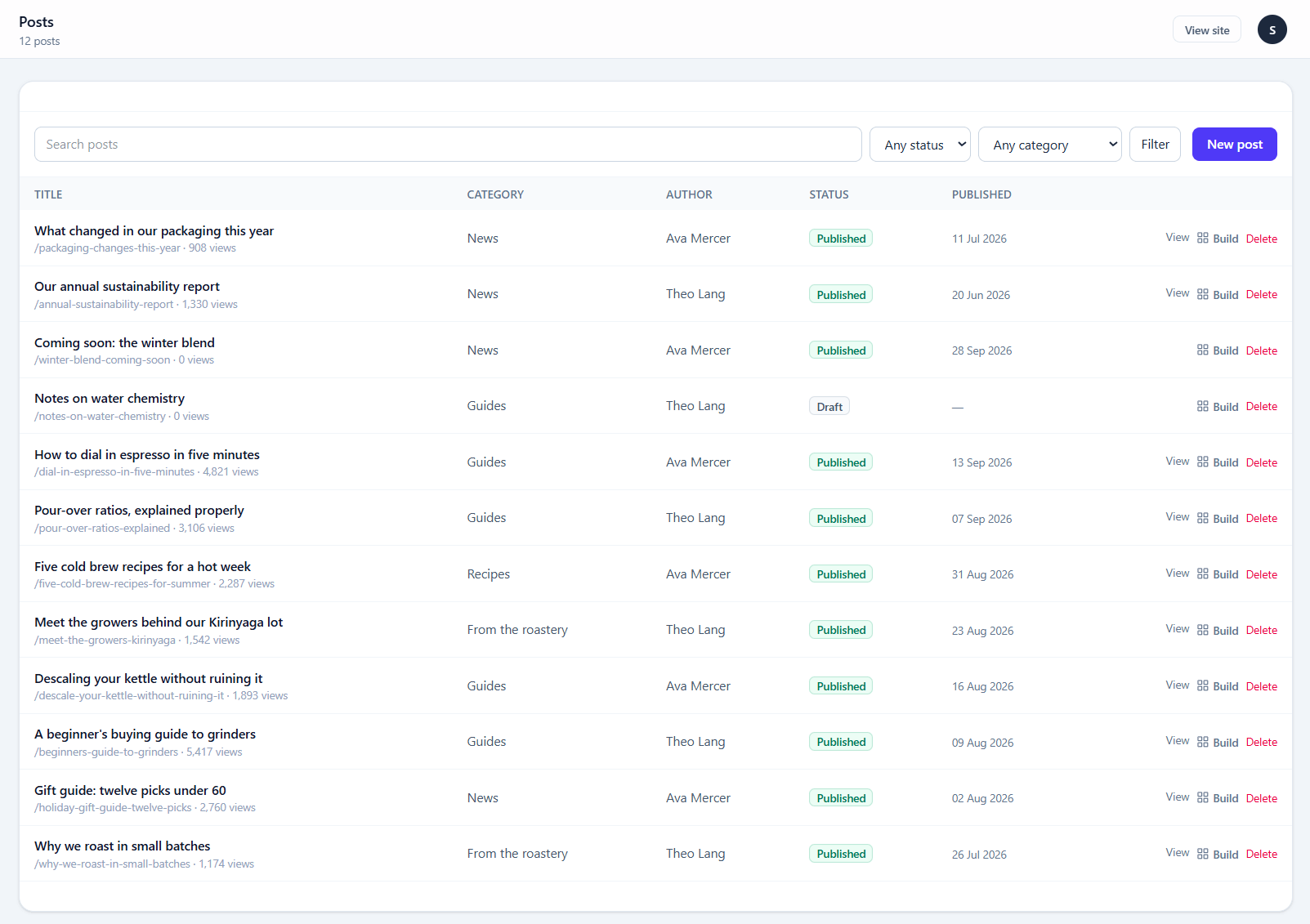
The editor is the same one Pages use, with three additions:
| Field | Notes |
|---|---|
| Categories | Many per post. Shared with the shop — see below |
| Tags | Free text; typing a new one creates it |
| Published at | A future date schedules the post |
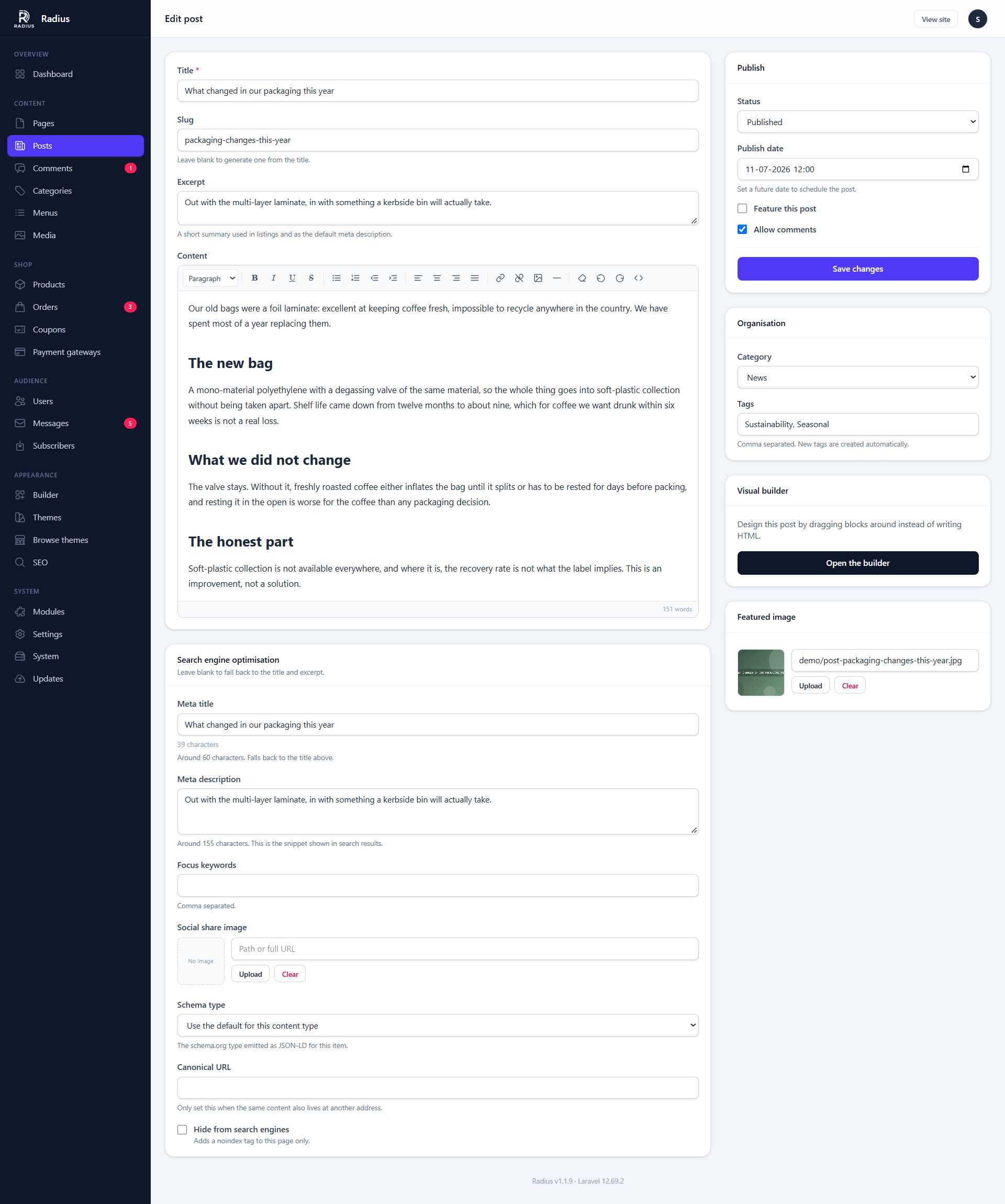
Viewing the post
Once a post is saved and live, a View button appears in the top bar, left of View site, and opens it on the front end in a new tab. Before that the button is greyed out and says why — Still in draft, Scheduled for a post waiting on its publish date, or Archived.
Scheduling
Set Published at to a future date and the post stays invisible until then.
Scheduling needs the cron entry
A scheduled post publishes when Laravel's scheduler runs. Without the cron entry from Requirements, the post sits there until you publish it by hand.
The excerpt
Used in listings, in the RSS feed, and as the meta description when you have not written one. Left empty, it is generated from the opening of the post — which is usually worse than writing one.
Categories
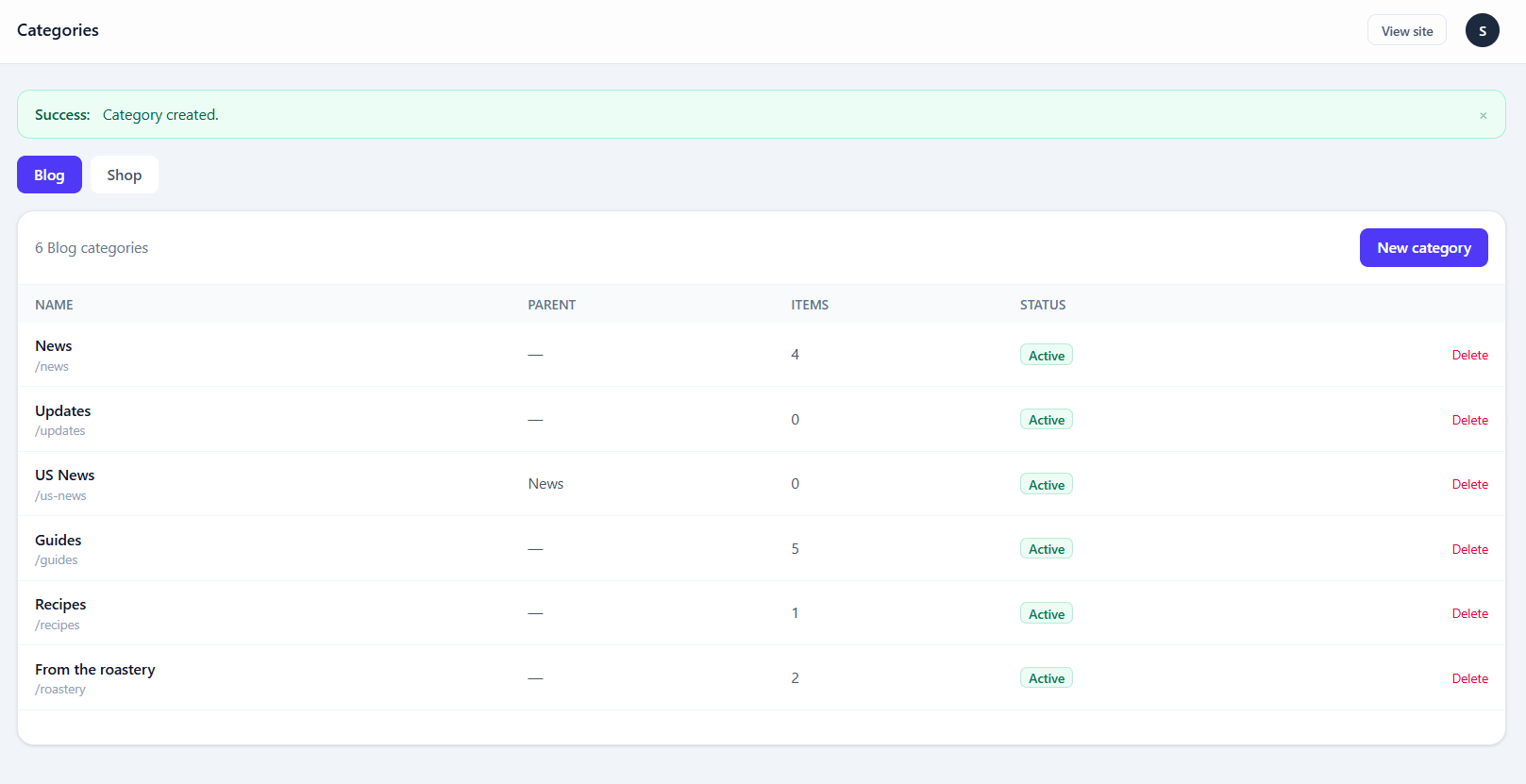
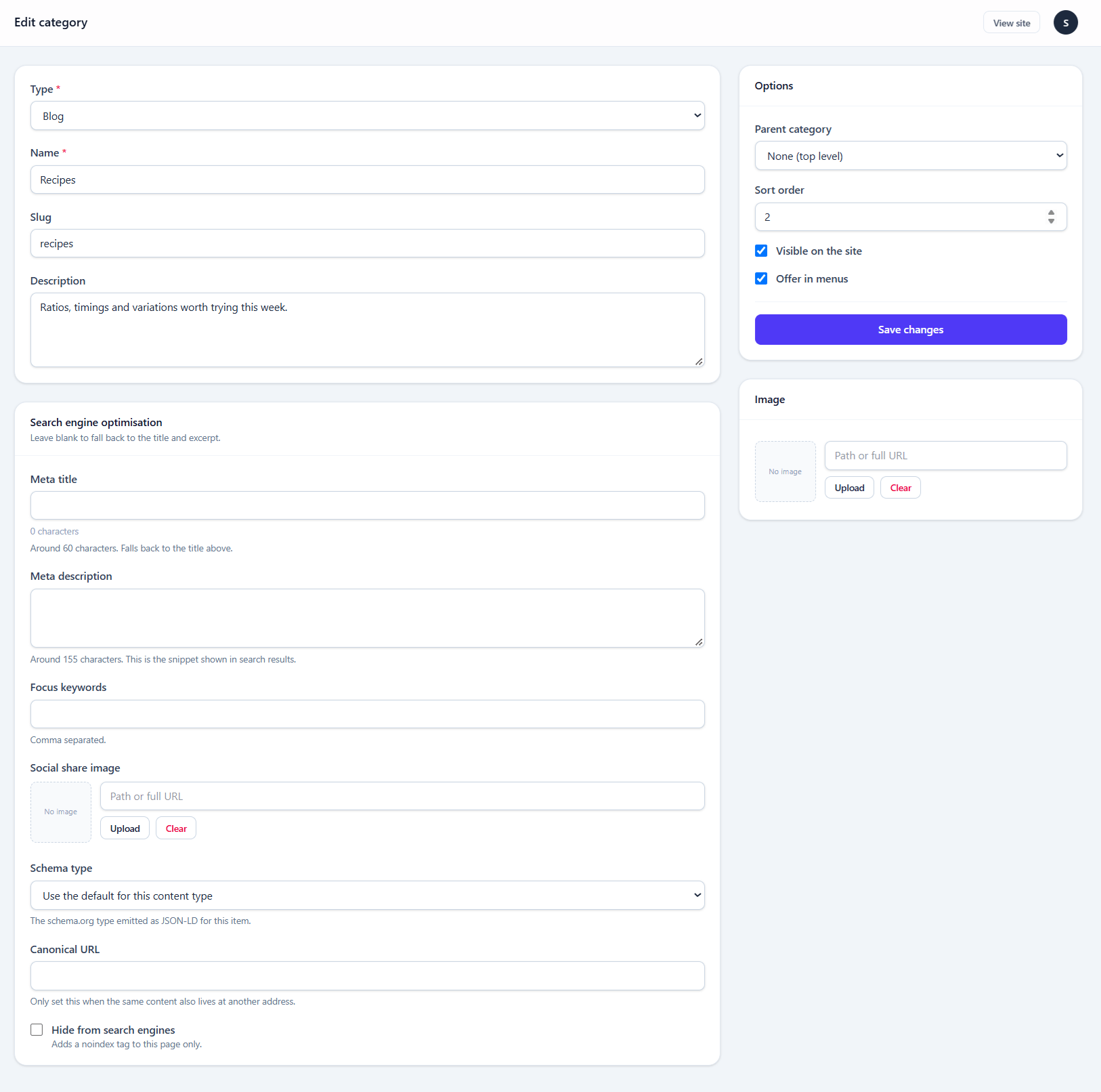
Categories are shared between the blog and the shop, which is why the section stays available while either module is on. Each category is marked as belonging to posts, products, or both, so your shop categories do not pollute your blog archive.
Categories nest. A child category produces /blog/category/parent/child style URLs and inherits nothing else from its parent.
Tags
Tags have no admin screen of their own — they are created inline from the post editor and cleaned up automatically when nothing references them any more.
Tags are flat, blog-only, and produce /blog/tag/{slug} archives.
Comments
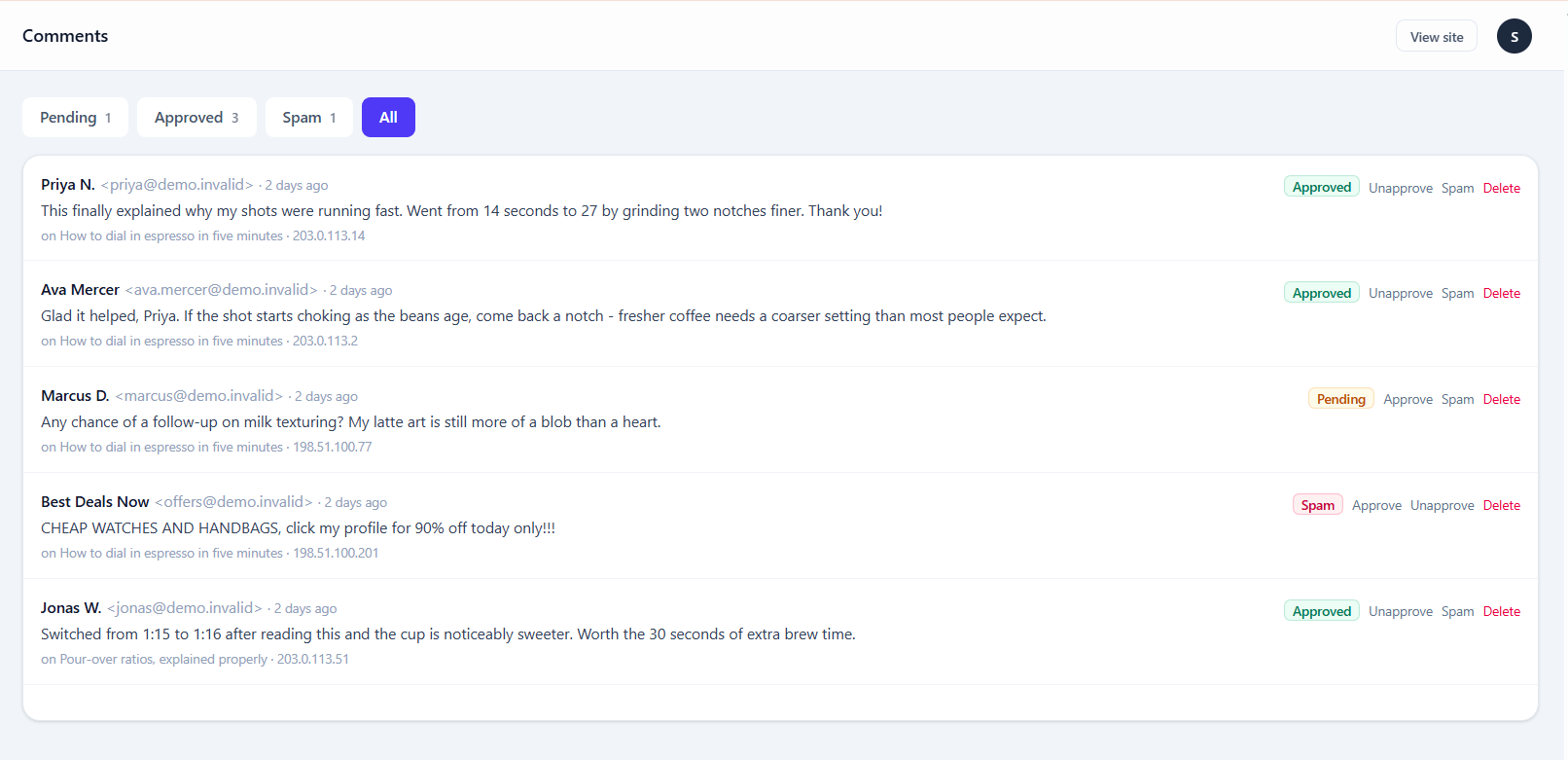
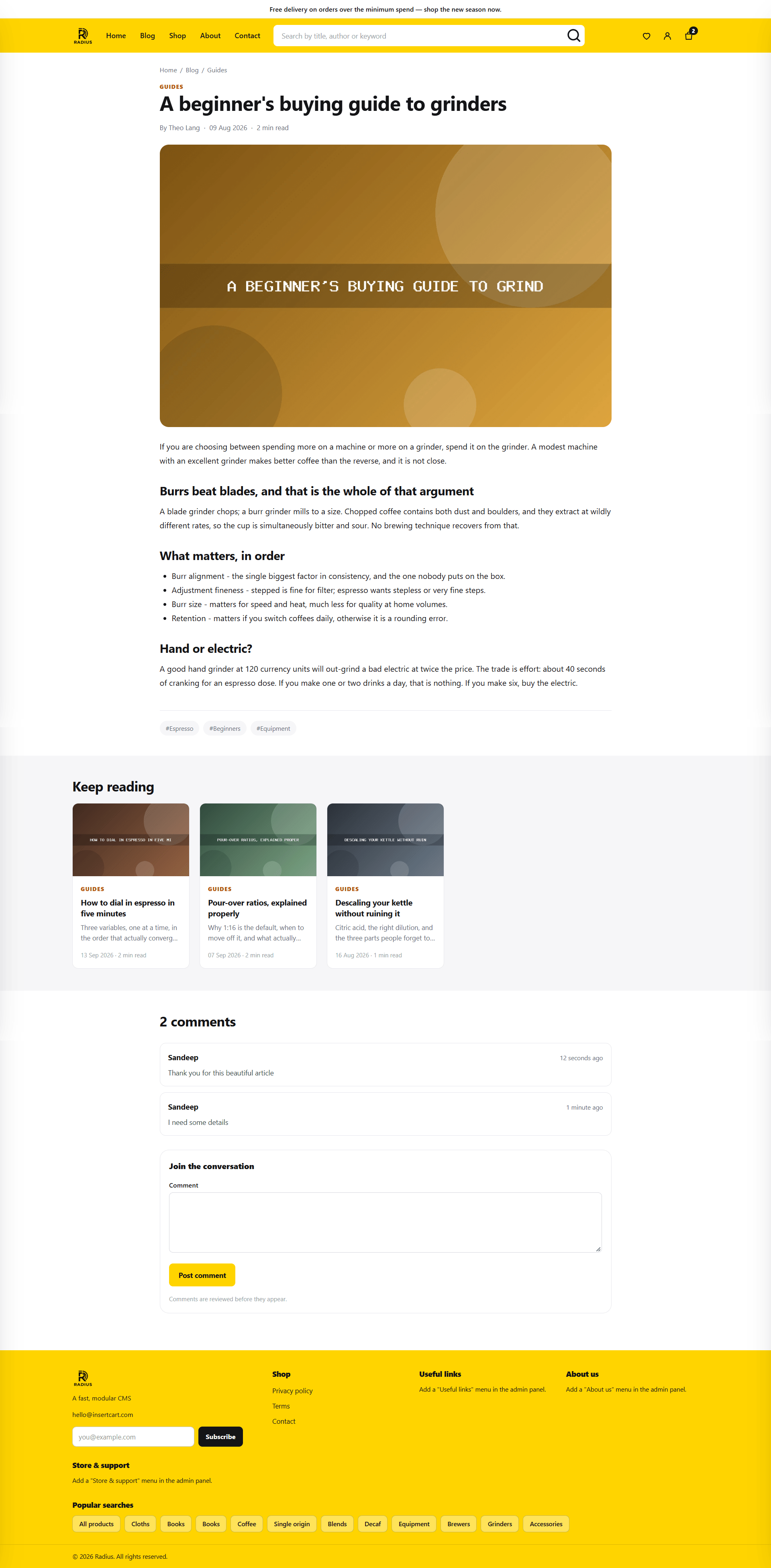
Comments arrive unapproved and are invisible until you approve one. The queue filters by pending, approved and all.
| Action | Effect |
|---|---|
| Approve | The comment appears publicly, immediately |
| Edit | Fix a typo or trim something; the edit is not marked publicly |
| Delete | Permanent, with no trash |
Front-end comment submission is rate limited to ten per minute per visitor, so a script cannot flood the queue.
Turning comments off entirely
There is no site-wide switch — set Allow comments to off per post, or leave the form out of your theme. If you never want them, the blog module's comment routes can be avoided altogether by not rendering the form.
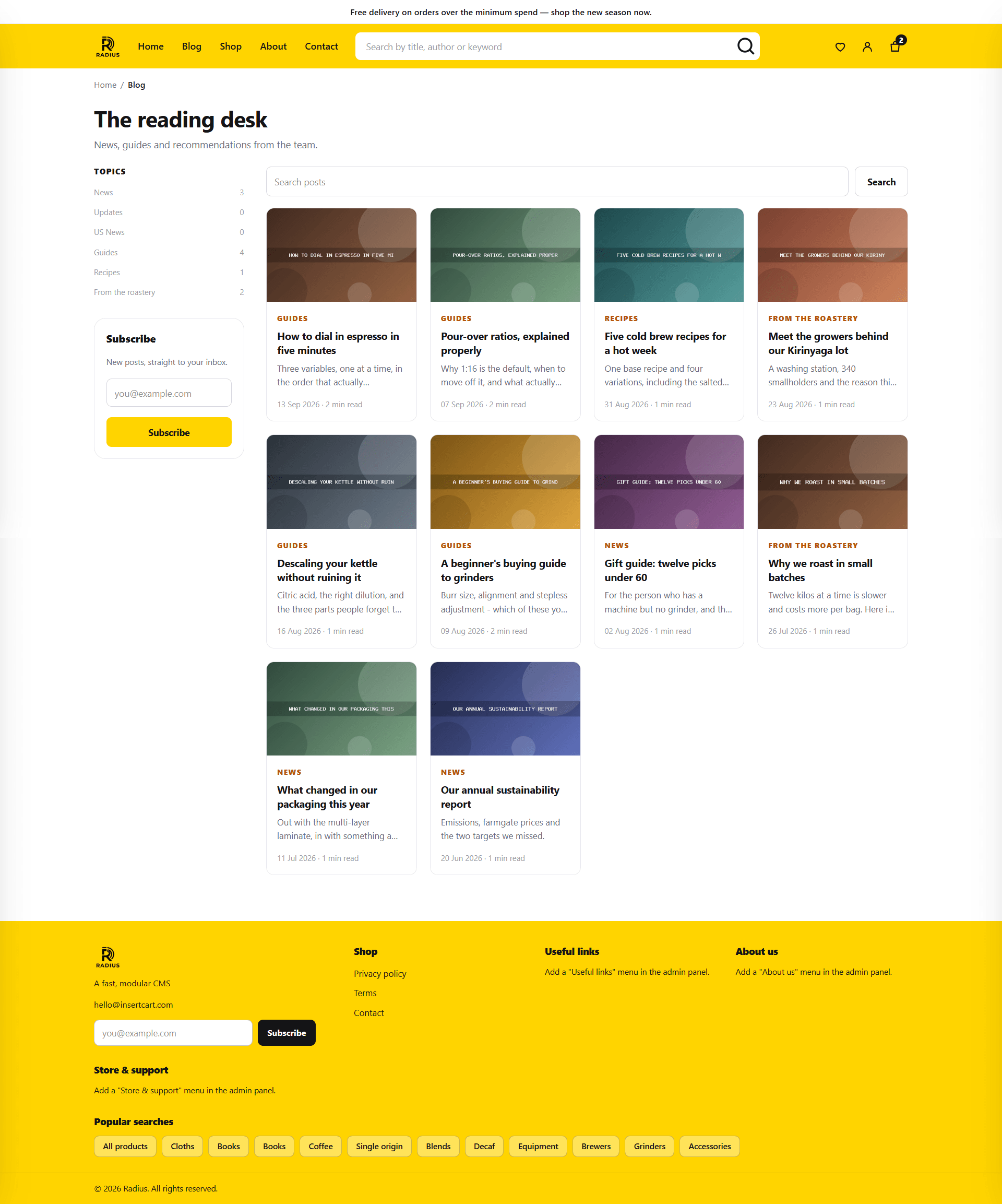
The public blog
With the module on, these routes exist:
| Route | Shows |
|---|---|
/blog | The post index, paginated by the Items per page setting |
/blog/{slug} | A single post |
/blog/category/{slug} | Posts in a category |
/blog/tag/{slug} | Posts with a tag |